Breakout rooms can be one of the most valuable parts of a conference. They’re also one of the easiest places to lose control.
When event planners think about production, most of the attention naturally goes toward the general session. That’s where the keynote happens. That’s where the big screens live. That’s where the audience gathers.
Meanwhile, breakout rooms often get planned later, delegated to multiple stakeholders, or adjusted repeatedly as the event approaches.
The result is predictable. One room gets overbuilt. Another gets underbuilt. A sponsor requests something special. A department head asks for an exception. A presenter needs additional equipment. Someone removes something to save money without realizing the equipment was already loaded onto the truck. Before long, breakout rooms become a patchwork of decisions made by different people at different times for different reasons.
The solution is surprisingly simple. Make the decisions early. Make them once. Document them clearly. Then hand that plan to your production company so every room is built intentionally.
Whether you’re managing four breakout rooms or forty, consistency starts with asking the right questions before anyone arrives onsite.
Why Breakout Rooms Deserve More Attention
Breakout rooms exist in a unique space within event production. Unlike a keynote session where thousands of attendees share the same experience, breakout rooms multiply complexity. Ten breakout rooms are not ten times harder than one room. They often create dozens of unique combinations of presenters, audiences, room sizes, technologies, schedules, and expectations.

The challenge isn’t simply providing equipment. The challenge is creating a consistent experience. You don’t want attendees walking into one breakout that feels polished and professional while another feels like an afterthought. You don’t want sponsors comparing rooms and wondering why one received more support than another. You don’t want presenters discovering technical limitations moments before their session begins.
Most importantly, you don’t want expensive decisions being made onsite simply because nobody made them beforehand.
A thorough planning checklist helps avoid all of those outcomes.
Start With The Program
Before discussing microphones, projectors, or lighting, start with the program itself.
Ask basic questions first:
- How many breakout rooms are needed?
- Which days are they active/in-active?
- How many sessions occur in each room, each day?
- Will presenters rotate or will audiences rotate?
- What range of attendees are expected in each session?
- Do attendees register for specific sessions?
- Is attendance tracked for continuing education requirements?
These questions affect everything else.
For example, if registration data is available, larger sessions can be assigned to larger rooms. If presenters remain in place all day while audiences rotate, room setup becomes far more efficient than constantly changing presenters between sessions.
The more clarity you have here, the easier every subsequent decision becomes.
Audio: More Than Just Microphones
Most planners immediately think about wireless microphones. That’s important, but audio planning goes much deeper.
Consider:
- Will presenters play videos with audio?
- Is a laptop audio connection needed?
- Will there be an audience Q&A moment?
- Are handheld microphones sufficient?
- Are lavalier microphones preferred?
- Does anyone require a headset microphone? (think fitness, cooking, etc.)
- Will any sessions include panel discussions?
- Does the presenter need a wedge/monitor speaker?
- Are subwoofers needed for music/video impact?
- What should happen with walk-in music, does it need to be one playlist for all rooms?
Each answer affects equipment, staffing, and budget.
For example, a room may not need audience microphones for local attendees. However, if the session is being recorded or streamed, audience microphones become critical because remote viewers need to hear the questions as well.
The goal is not getting tunnel-vision on equipment. The goal is first about matching equipment to expectations.
Video Decisions Change Everything
Video requirements often determine the largest differences between breakout rooms. Some sessions simply need a screen. Others require recording, streaming, remote participation, translation, and archival documentation.
Questions worth answering include:
- Will sessions be recorded?
- Will sessions be streamed?
- Will remote attendees participate live? Is Microsoft Teams or Zoom required?
- Are there international audiences? Is translation needed? ASL interpretation?
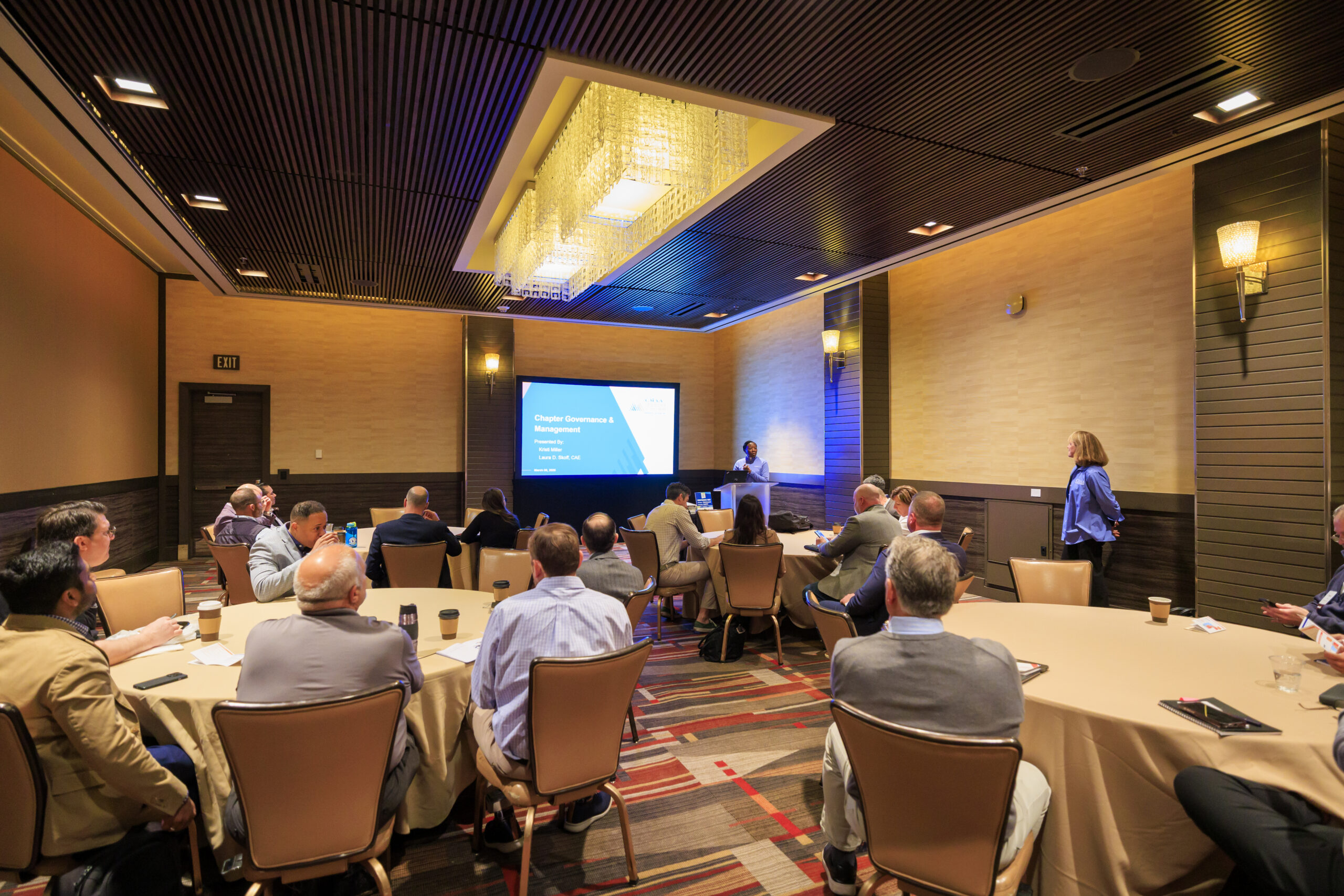
One frequently overlooked consideration involves room capacity. Many venues advertise the maximum legal occupancy of a room. Unfortunately, projection screens require physical space. A room advertised for 100 attendees may realistically seat only 80 once front/rear projection equipment is installed. If it’s going to be tight, we can switch to large-format 85in displays.

Photo by Iron Lotus Creative / Stephen Ironside
Knowing these details early prevents unpleasant surprises later.
Computer Presentation Nuances
This section generates more surprises than almost any other category.
The fundamental question is simple: Who runs the presentation? The presenter? Or the production team?
Both approaches have advantages.
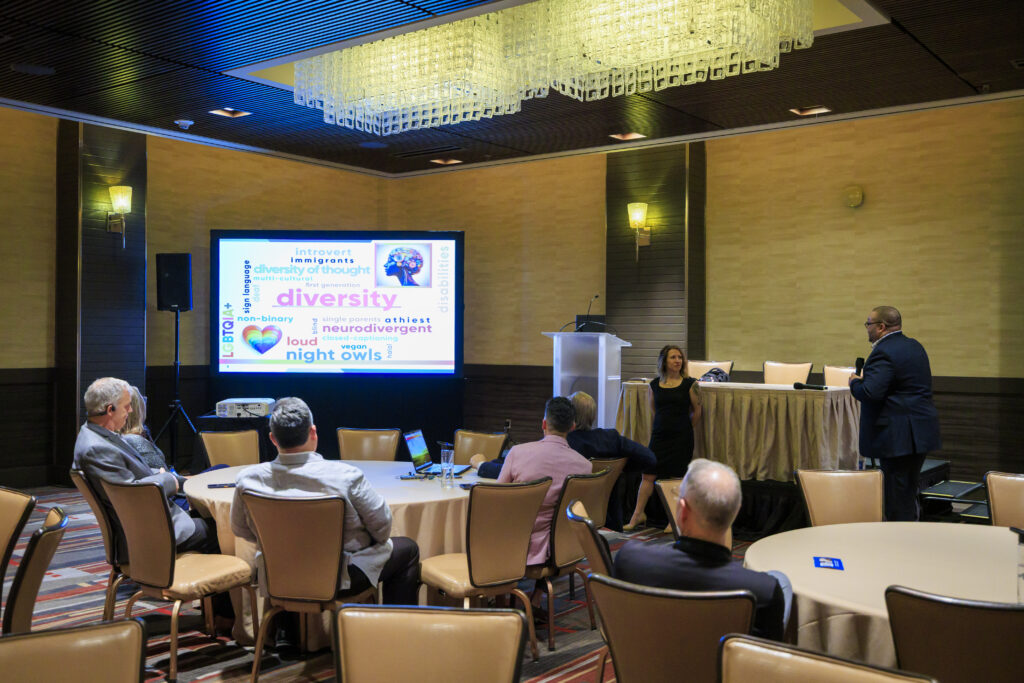
Presenter-owned computers maximize file security and familiarity. Production-owned computers typically provide greater reliability, more outputs, and better integration with event technology systems.
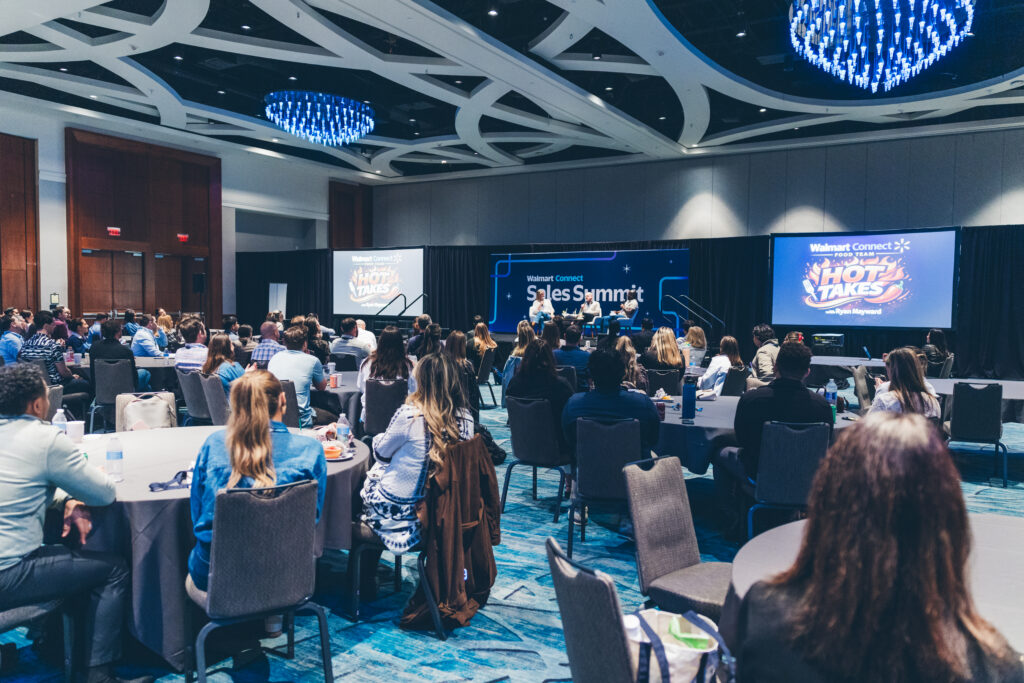
Photo by Iron Lotus Creative / Stephen Ironside
Additional considerations include:
- Presenter confidence monitors
- Presenter notes displays
- Live software demonstrations
- Internet requirements (does a demo need hardline internet?)
- Presentation clickers
- Embedded video playback
- Polling systems
- File transfer methods (are flash drives prohibited?)
- Cloud storage access
- Final presentation archiving
Many production challenges aren’t technical failures. They’re workflow failures.
The more expectations are established beforehand, the smoother the experience becomes for presenters and attendees alike.
Lighting Matters More Than Most People Think
Many breakout rooms don’t require dedicated lighting. Others absolutely do. The moment cameras enter the room, video cameras or photo cameras, lighting becomes important.

Photo by Iron Lotus Creative / Stephen Ironside
Questions include:
- Is front stage wash face lighting needed?
- Is the session being recorded/streamed? (see above)
- Is decorative uplighting desired?
- Are lighting cues needed?
- Are there special video moments or reveals?
Even modest lighting upgrades can dramatically improve the perceived quality of a breakout session.
The Operational Details That Everyone Forgets
Some of the most important planning questions have nothing to do with AV equipment. They involve operations.
Consider:
- Do sessions need countdown clocks?
- Should presenters see time-of-day clocks, stopwatch, or countdown?
- Must sessions start and end exactly on schedule, or if a sponsor session starts late do they still get their allotted time?
- Is a stage required, or simply a rug to denote the presenter area?
- Is pipe and drape desired?
- What furniture is needed, panel chairs, tall cocktail tables, lecterns, etc.
- Is wired internet available for crew?
- What is the attendee Wi-Fi plan? (the most common attendee question to our techs)
- What signage exists outside rooms? (digital signage, printed signage, or intentionally none?)
These small decisions collectively shape the attendee experience. More importantly, they eliminate waste or ambiguity for everyone involved.
Why This Checklist Saves Money
Many planners assume detailed planning increases costs. In reality, the opposite is usually true. Clear decisions prevent expensive surprises. Ground shipping is cheaper than overnight shipping. Scheduled crew is cheaper than emergency crew. Intentional upgrades are cheaper than last-minute additions. Most importantly, expectations become aligned long before load-in day arrives.
When planners, presenters, venues, and production partners all understand exactly what each breakout room requires, budget conversations become far easier.

Photo by Iron Lotus Creative / Stephen Ironside
No surprises. No assumptions. No confusion.
Just a clear plan.
Download The Checklist
The checklist below is intentionally nearly painfully comprehensive. Not every question will apply to every event. That’s the point. A good checklist helps you answer yes or no intentionally instead of discovering unanswered questions onsite.
Whether you’re planning 4 breakout rooms or 40, spending 30 minutes with this worksheet can save hours of decision fatigue later. Because the best breakout rooms don’t happen accidentally: they’re planned. Go and be all you can be, event planner!