Proudly human written by our avad3 team, edited assisted by utilizing artificial intelligence, and brought to life by the creative art of incredible photographers.
If you’ve noticed a new line item called a media server appearing on your event production quote, you may have a reasonable question: What is that, and why didn’t I used to need one? The simplest answer is that a media server is essentially an overgrown PowerPoint computer. It’s a high-powered computer designed to display slides, graphics, motion backgrounds and video at resolutions and screen shapes that go far beyond what we traditionally ask a laptop to do. A standard presentation laptop is great at sending a 16:9 PowerPoint presentation to a standard screen. A media server enters the picture when the canvas gets much larger, wider, more unusual, or when several displays need to work together as one.
Media servers themselves aren’t particularly new. Concert tours, sporting events and other large productions have used them for many years. Think about a professional basketball arena: you may have a main video board with live camera feed, score and statistics graphics, ribbon displays wrapping around the seating bowl and other sponsor screens throughout the venue. Those displays require something capable of generating content for some very unusual shapes and resolutions. What is relatively new is how frequently that same need is showing up at corporate conferences, association meetings and nonprofit events. Media servers have moved from being specialty equipment for huge entertainment productions to something we regularly deploy on modern conference stages.
LED Changed the Canvas
The biggest reason is the rise of LED video. Ten years ago, a typical conference might have had two projection screens on either side of the stage. Those screens were usually a standard 16:9 shape, the same basic shape as your television or computer monitor. Your PowerPoint was 16:9. Your video was 16:9. Your screen was 16:9. Everything fit together nicely.
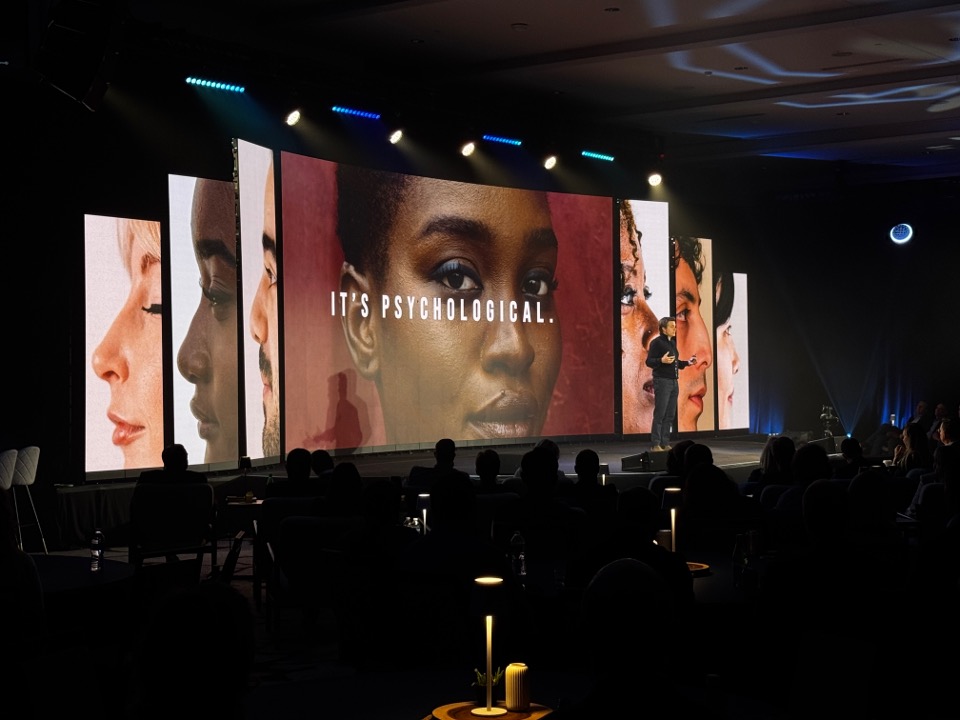
LED screens changed that. Instead of stretching a piece of projection fabric into a predetermined shape, we now build screens out of individual LED panels that connect together almost like Legos. That means we can create a 50-foot-wide panoramic screen, add curved edges, build tall vertical columns or create several displays that visually work together across an entire stage. At avad3, we even have triangular and corner LED panels that allow us to build canvases that would have been extremely difficult, or simply impossible, with traditional projection. That creative freedom also creates a new technical requirement: something has to generate an image that actually fits those pixels.
Imagine if the monitor on your desk suddenly had a triangle sticking out of the top. Your normal PowerPoint output wouldn’t know what to do with that extra space. A media server does. It can be programmed around the exact pixel dimensions of the LED canvas and send the right content to the right place.
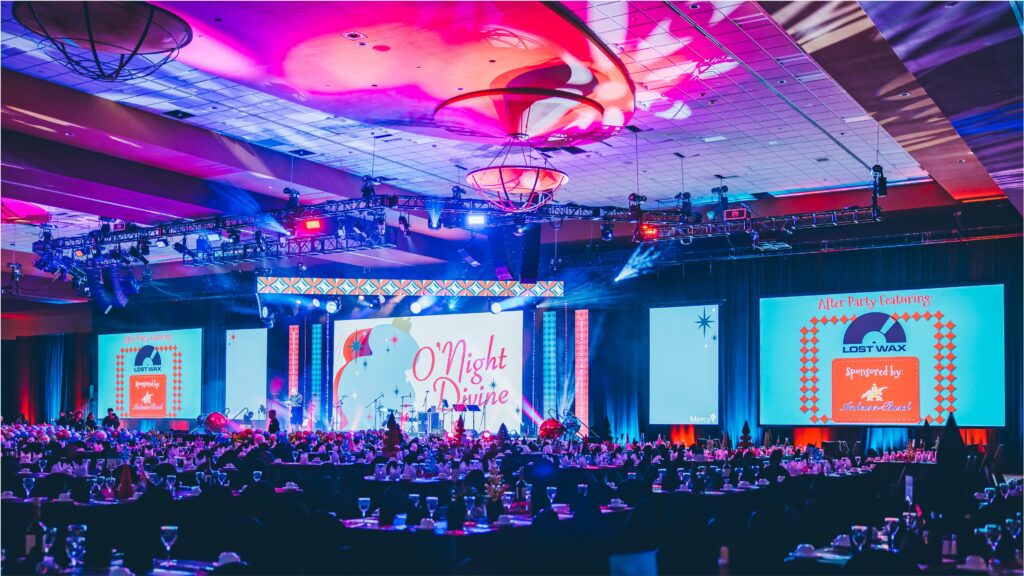
avad3 serving a Nonprofit Gala, Northwest Arkansas, 2025
When a Laptop Isn’t Enough
We recently produced an event with an LED wall roughly 50 feet wide and nine feet tall, including curved edges. The client’s creative team produced beautiful cinematic video content specifically for that ultra-wide canvas. The finished content was roughly 5,000 pixels wide and about 1,000 pixels tall. Try watching that on your phone and it would look very odd. Put it across a 50-foot LED wall, though, and it looks spectacular. That is a perfect job for a media server.
A media server can also handle multiple outputs at once. Imagine an opening video where an animation begins on the far-left screen, travels across the center scenic LED and finishes on the far-right screen. Or an ultra-wide animation synchronized across a stage that is nearly 100 feet across. We’ve even produced a fighter-jet flyover across a wide canvas at the end of the national anthem. These moments depend on a system capable of reliably playing large, unusual content across multiple destinations while keeping everything synchronized.
That does not mean every event suddenly needs a media server. For traditional presentations on standard 16:9 screens, our normal professional presentation playback computers are still incredibly capable. We use the latest model MacBook Pros. These machines handle PowerPoint, Keynote and most standard video playback without breaking a sweat. We add a media server when the design and content actually require it, not simply because it is newer technology.
A Dedicated Operator
There is another piece of the budget that is easy to overlook: a media server typically has a dedicated operator. That person isn’t the camera director, graphics operator or teleprompter operator. Their responsibility is programming the media server, loading and testing content, configuring the outputs, managing redundancy and executing those critical full-screen playback moments during the show.
That matters because these aren’t moments where you want someone casually dragging a video file onto a screen and hoping it works. If your opening video fills a massive LED canvas and launches the general session in front of 1,500 attendees, that playback needs to happen exactly when it is supposed to happen, at the correct resolution, across the correct displays. The equipment and the person operating it are both part of making that reliable.
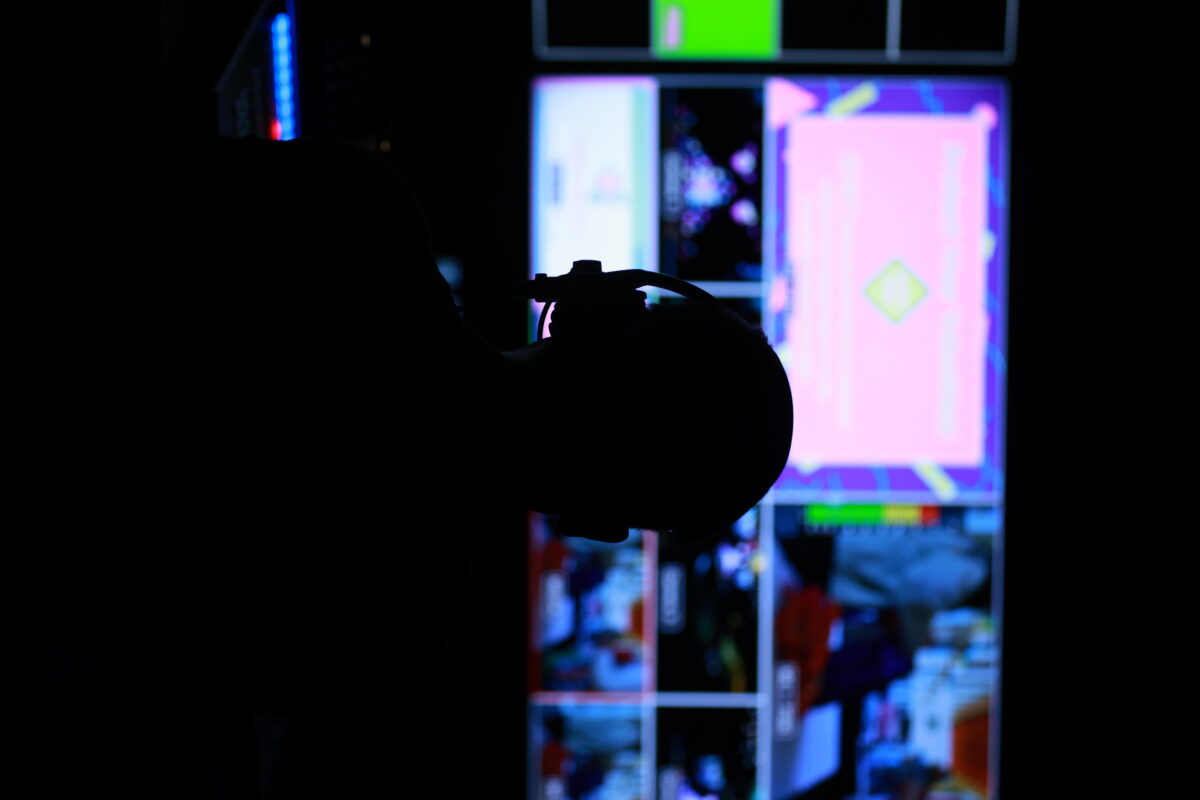
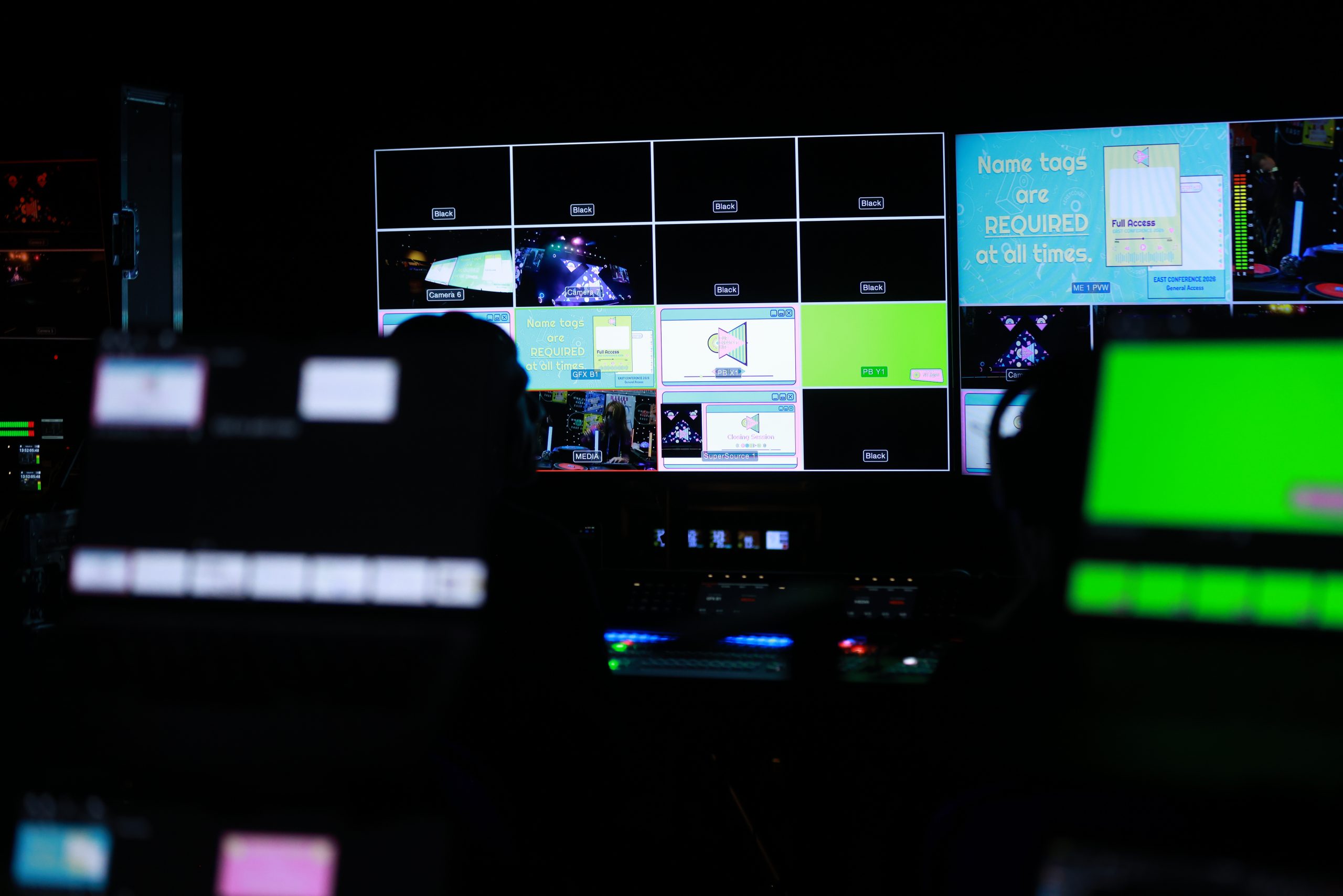
avad3 Teammate monitoring multi view video monitors backstage
The Trade-Off: Creative Screens Require Creative Content
There is one caution we always give clients when exploring these designs: with great power comes great responsibility. A 60-foot-wide custom LED canvas can look incredible, but somebody has to create content for it. Your executive can make a last-minute text change to a normal PowerPoint slide 5 minutes before walking onstage. Changing a fully rendered animation designed for a custom 5,000-pixel-wide canvas takes a little extra time.
That doesn’t mean you shouldn’t use creative canvases. We love them. It means the production plan needs to account for the creative workflow. Corporate clients may have internal design teams capable of building the content. For associations and nonprofits we often bring in an agency, freelance designer or additional creative support. And regardless of who creates it, we want adequate time for rendering, loading, testing and rehearsing that content before the doors open.
Sometimes the smartest solution is a combination of both worlds. We can keep presentation decks in a traditional 16:9 format for easy last-minute editing, then place that presentation over a beautiful ultra-wide background designed for the larger LED canvas. For especially high-profile events, sometimes we have content editors onsite ready to handle the imminent revisions. The right answer depends on the event, the content and how quickly things need to change.
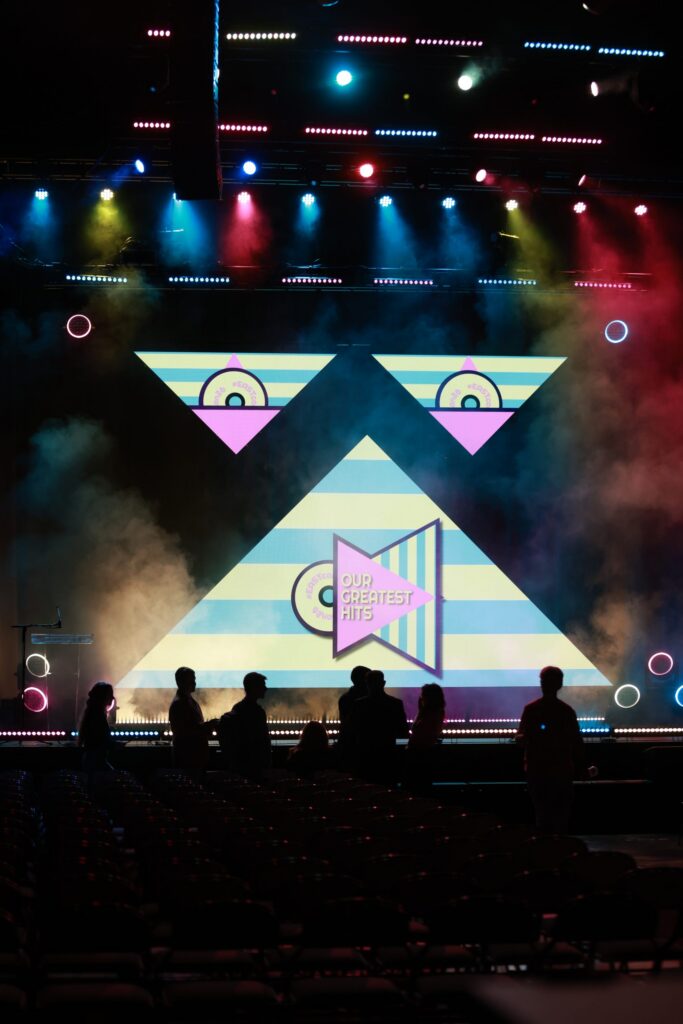
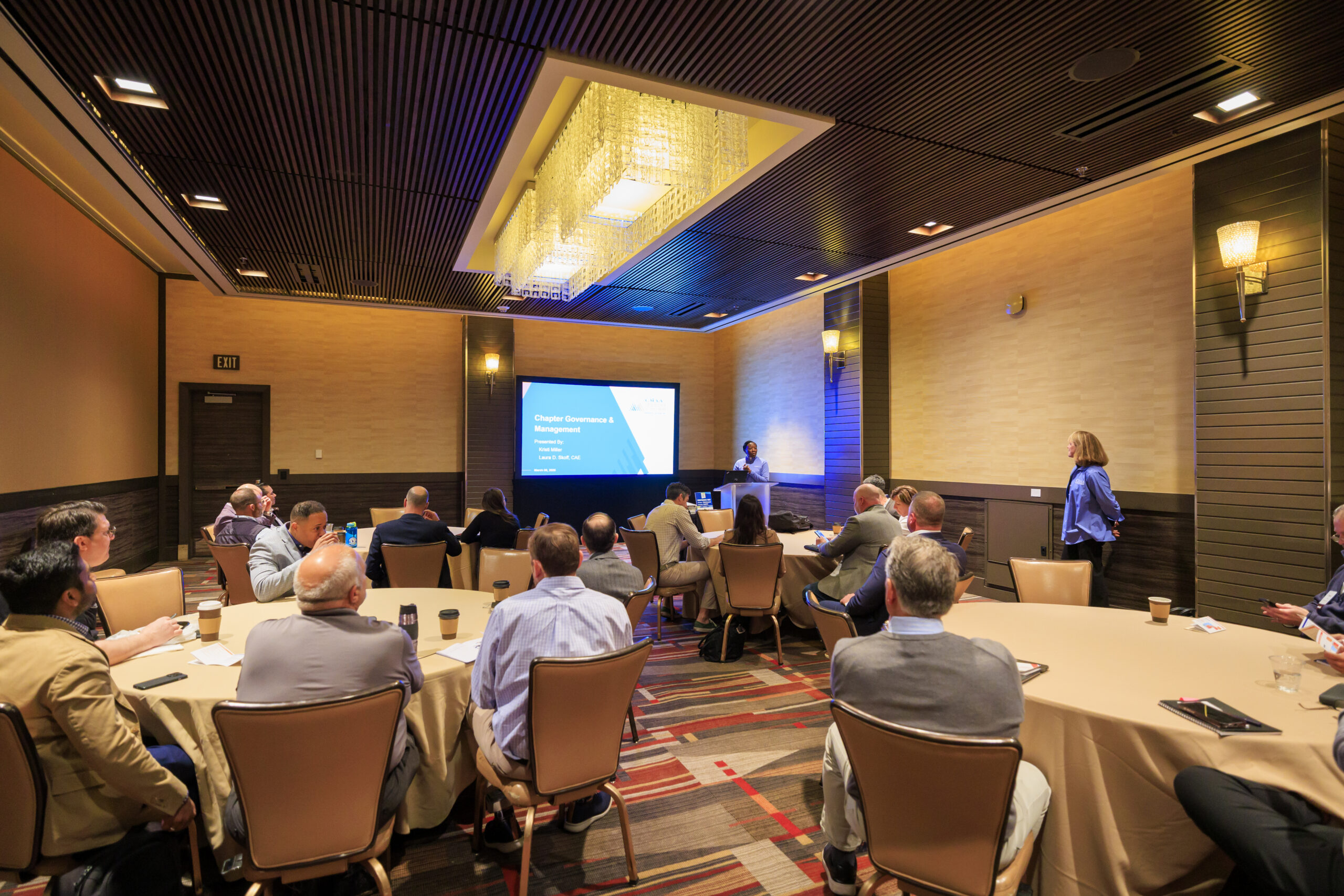
avad3 serving a Conference, Arkansas, 2026
So, Does Your Event Need a Media Server?
A media server shouldn’t be on your production quote simply because modern events use them. It should be there because the screen design, content or complexity of your event creates a job that a traditional playback computer isn’t designed to do.
LED has opened up an enormous amount of creativity in event production. We no longer have to make every general session look like the traditional “two-screen special.” Screens can curve, wrap around scenic elements, stretch across an entire stage or become part of the architecture of the room. We love seeing clients take advantage of those possibilities.
But creative technology works best when you understand what you’re buying and why you’re buying it. Production is rarely the smallest line item in an event budget. Our goal is to help planners understand enough about the technology behind their events to make informed decisions about where to invest and where they don’t need to.
If you’re learning the language of event production, check out our Production Glossary for more terms you’re likely to encounter on your next production quote. And if you’re thinking about how to move beyond the standard conference-stage look, read our article on avoiding the AV “two-screen special.”
The technology will keep changing. You don’t need to become a video engineer to keep up with it. You just need to be empowered with the language and fundamental education from articles like this to be able to speak with your production team that knows what you need, what you don’t, and why.